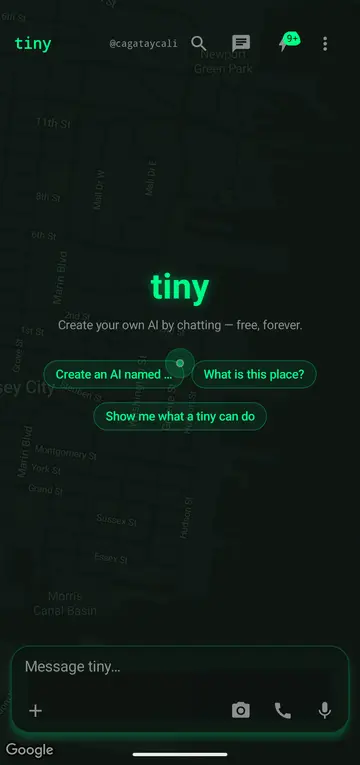
LAUNCHER
Long-press the icon
Talk to tiny · Ask tiny · Memories · Messages — static shortcuts, drag any of them to the home screen.
Android · direct install
Teach it once. It remembers — on your phone, your watch, your Mac, the web. Your Android becomes a live node of your tiny.
Already installed? It updates itself — the app offers each new build in a banner, over the air. Nothing to do here.
Everything the web tiny does, plus the things only a phone in your hand can.
Streaming replies, a live voice call, a camera it can look through. Same memory as every other surface.
It enrolls as a node of your tiny — reachable from your Mac, your watch, the web, even when the screen is off.
Your ring's heartbeat, the music playing, a robot's eyes — each online body shows as a live tile.
Calendar, inbox, journal, sites, wallet — your data, on your tiny, not a vendor's.
tiny ships straight from tiny.technology, signed by us — not through the Play Store.
One tap, end to end — the same grammar as iOS and the web.
Talk to tiny · Ask tiny · Memories · Messages — static shortcuts, drag any of them to the home screen.
An App Action (OPEN_APP_FEATURE) hands the spoken text to tinyapp://ask?q=. Lights up once the package is verified in Play Console.
Fire tinyapp://ask?q=…&tiny=remy and the turn auto-sends; tinyapp://voice?q=… starts a call with that line. From a browser the mic stays off — it becomes a text ask.
q is the turn (≤ 2000 chars) · tiny the slug · mode=chat|voice · src where it came from.
The web form is https://tiny.technology/remy?q=…. Try it: adb shell am start -d 'tinyapp://ask?q=hello'.
Apple Shortcuts for the same links live on /ios.
Requires Android 10 or newer (API 29). Play Protect may show a one-time
scan prompt — expected for an app installed outside the store. Every release is
signed with the same key, so in-place updates verify; the manifest at
/android/manifest.json carries the build's SHA-256.