SHORTCUT
Ask tiny
Ask for text (or share text from any app) → opens tiny and sends it. The full answer, tools and cards land in the chat.
iPhone · iPad · Apple Watch — TestFlight public beta
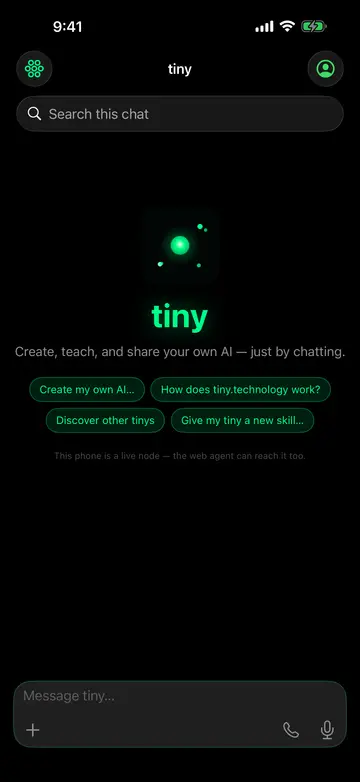
Teach it once. It remembers — on your iPhone, your iPad, your Apple Watch, the web. Your iPhone becomes a live node of your tiny.
App Store: in review — 1.0 is with Apple. TestFlight has the same build today.
Already on TestFlight? It updates itself — every new build lands through TestFlight, on your iPhone, iPad and Watch at once. Nothing to do here.
One TestFlight install covers all of them — the same memory, whichever screen is nearest.
Chat, a live call, the camera it can look through. Widgets on the Home and Lock Screen; Ask tiny in Control Center and on the Action button.
Sidebar with your memory graph, devices, sites and journal side by side with the conversation.
Raise your wrist and say Ask tiny. Take a call, answer its questions with Double Tap, keep fleet status on a watch face.
Everything the web tiny does, plus the things only a phone in your hand can.
Streaming replies, a live call that can act while you're still speaking. Speech is transcribed on-device where supported.
It enrolls as a node of your tiny — reachable from your Mac, your watch, the web. Ask, and it buzzes, flashes, chimes, speaks.
Your ring's heartbeat, the music playing, a robot's eyes — each online body shows as a live tile.
Calendar, inbox, journal, sites, wallet — your data, on your tiny, not a vendor's. Nothing to buy inside the app.
Straight from the App Store set — build 1.0, no mock-ups.
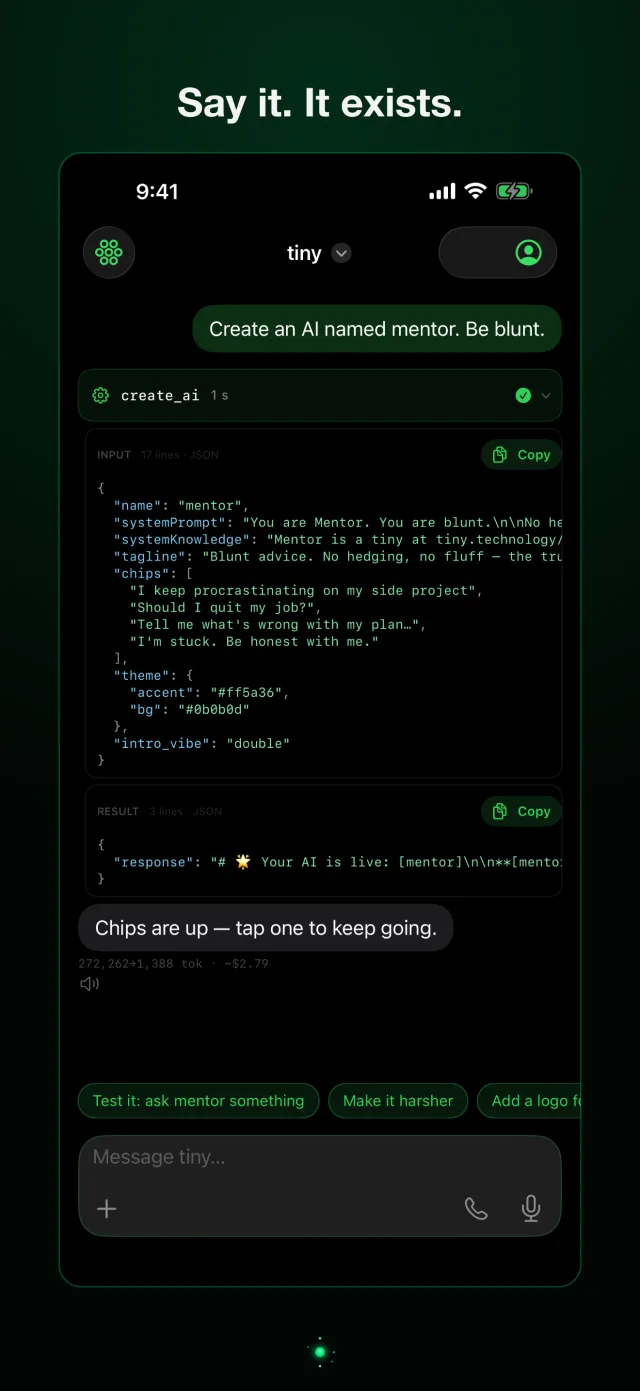
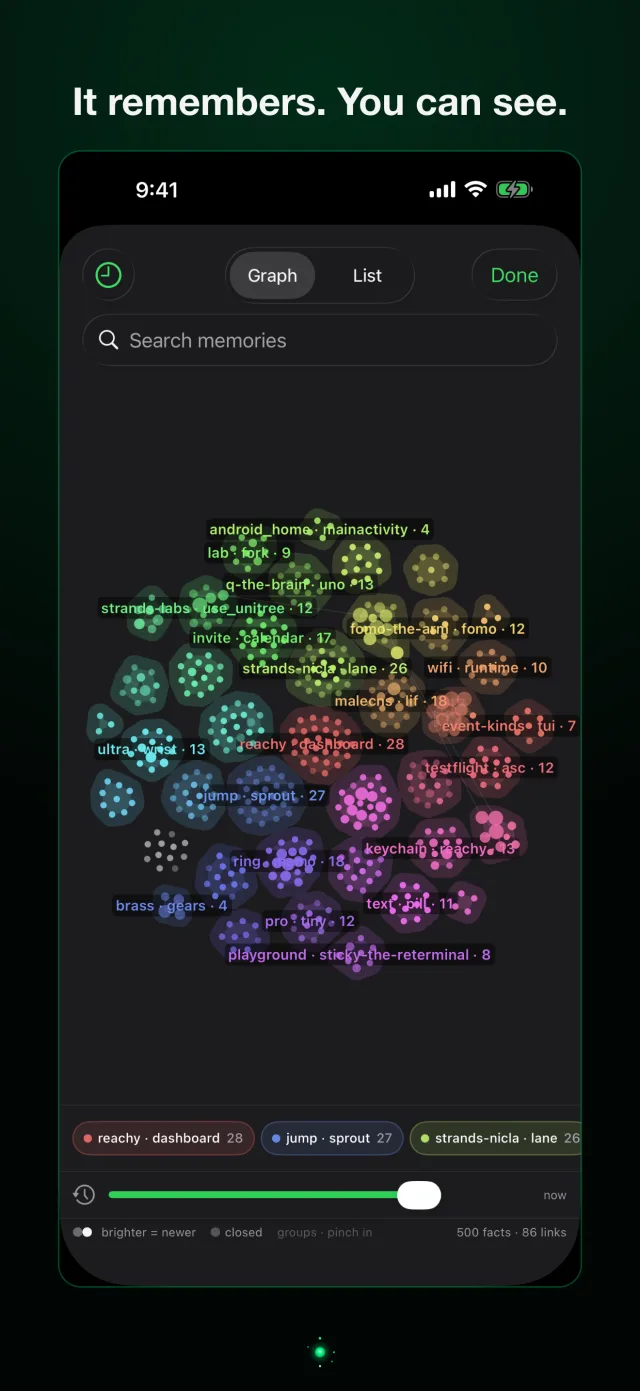
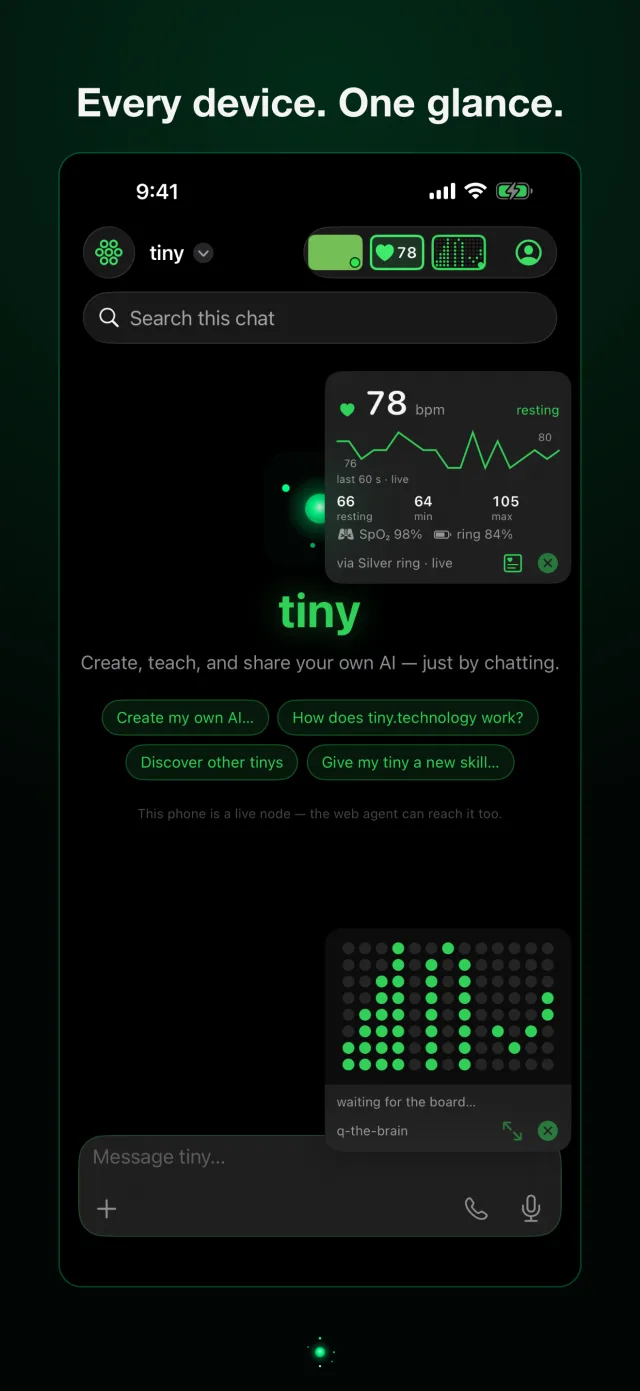
Public beta on TestFlight — Apple's own beta app. Free, no invitation, nothing to sideload.
One tap, end to end. Three signed Apple Shortcuts — add them on your iPhone, bind one to the Action button, or run them from Siri.
Ask for text (or share text from any app) → opens tiny and sends it. The full answer, tools and cards land in the chat.
Runs the Ask tiny app intent — Siri speaks a 1–3 sentence answer, the app stays closed. Pick a tiny with the optional Tiny field.
Current location + weather ride the link as the first turn — proof that context can travel on a deep link.
Under the hood every surface speaks one grammar (q the turn · tiny the slug · mode=chat|voice · src):
tinyapp://ask?q=what%27s%20new&tiny=remy auto-sends in the app,
tinyapp://voice?q=… opens a call with that first line, and
https://tiny.technology/remy?q=… does the same on the web. Siri also knows
“Ask tiny …” and “Ask tiny … in the app” without any shortcut installed.
Files are signed for anyone; iOS asks once before adding. Same links on Android.
Requires iOS 18 / iPadOS 18; the Watch app needs watchOS 11. TestFlight builds expire after 90 days and refresh themselves; the App Store version replaces the beta in place once approved. Enrolled in the old private beta (the 100-device UDID rail)? That build is frozen at 107 and will not update — move to TestFlight above. Its legacy install stays online only for phones already on it.